Save Map Session
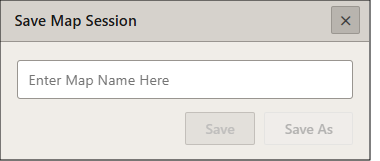
On the Interactive Map main toolbar, click the Save Map Session icon ( ). When the Save Map Session pop-up window appears, specify a title for your map, and click save.
To open a previously saved map, click the Open Map Session icon ( ) on the main toolbar. Select the desired previously saved map and click Open Map Session.