Search for an Address, Geography, or Analysis Area
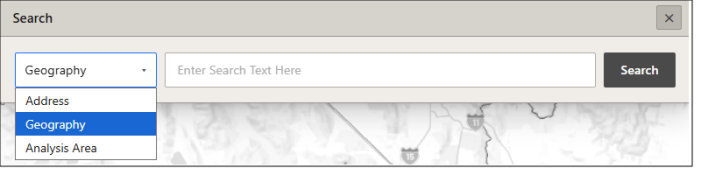
On the Interactive Map main toolbar, click the Lookup icon ( ). When the Search pop-up window appears, specify whether you want to look up an address, geography, or analysis area; type the information that you want to search in the text box; and then click Search.
Close the Search pop-up window by clicking the  located in the upper-right corner of the Search pop-up window.