Analysis Area Builder
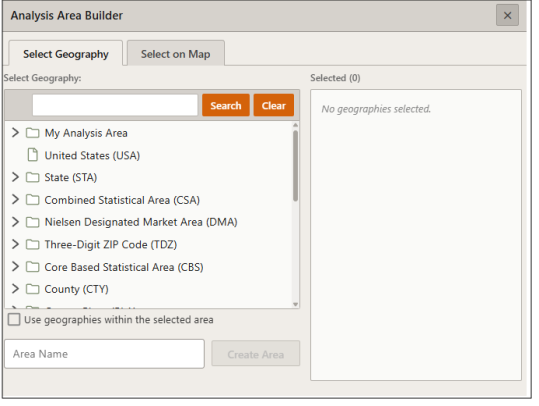
On the Interactive Map Action toolbar, click the Analysis Area Builder icon ( ). The Analysis Area Builder pane appears showing the available methods for creating an analysis area. Click your desired method to proceed. The appropriate prompts for your selected method appear on the pane.
To Learn More:
What's Next:
To create an analysis area based on a standard geography, go to Analysis Area Builder: Create an Analysis Area Based on a Standard Geography.
To create an analysis area based on selecting geographies on the map, go to Analysis Area Builder: Create Analysis Area Based on Selecting Standard Geographies Displayed on the Map.
To create an analysis area around locations on the map, go to Analysis Area Builder: Create Analysis Area Based on Locations Displayed on the Map.