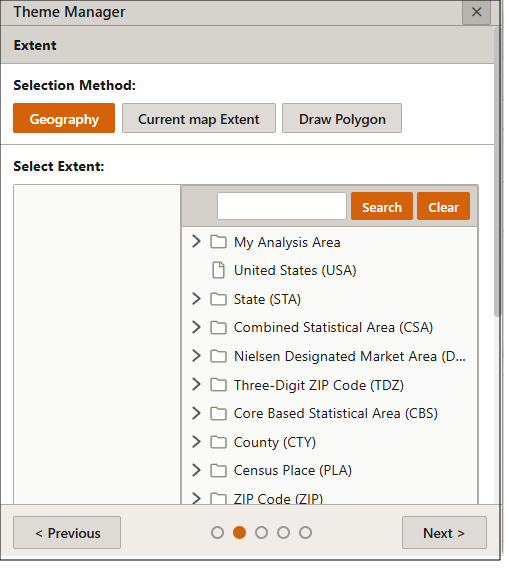
Theme Manager: Select the Theme Extent
On the Extent pane, specify the extent of your theme on the map by selecting one of the following:
- Geography: Select previously saved analysis areas and/or geographies.
- Current Map Extent: The current map view is what will be included in the theme.
- Draw Polygon: You'll be prompted to draw a polygon on the map. To close your polygon, double-click the closing point.
After specifying your theme extent, click Next to proceed.