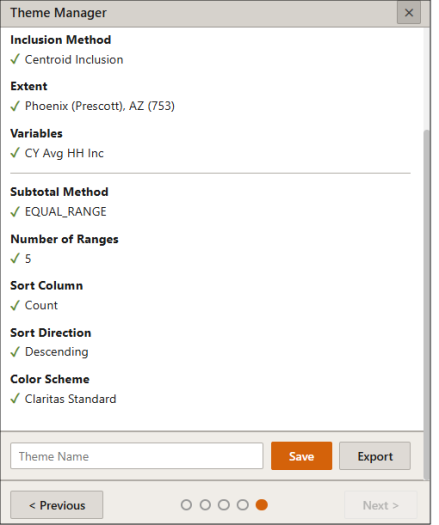
Theme Manager: Save Your Theme Settings
On the Current User Selections pane, review your settings, name your theme, and then click Save.
(Optional) To export your thematic map files, click Export. In the Export Thematic Map window, enter a file name, select the desired format type, and click Export.
You can view the status of the submitted job on the My Job screen, and access the saved theme settings on the My Content screen.